Call Karma Help
Short how-to videos for the Call Karma contact center — from the first user to an AI voice agent.
The Call Karma knowledge base is a video school of setup how-tos. Start the first-hour path, search by task, or browse a section.
First hour
Open your first Call Karma workspace
Seven short videos: welcome, add a user, route a number, set hours, create a queue, build an IVR, then create an AI voice agent.
Start the pathBrowse by topic
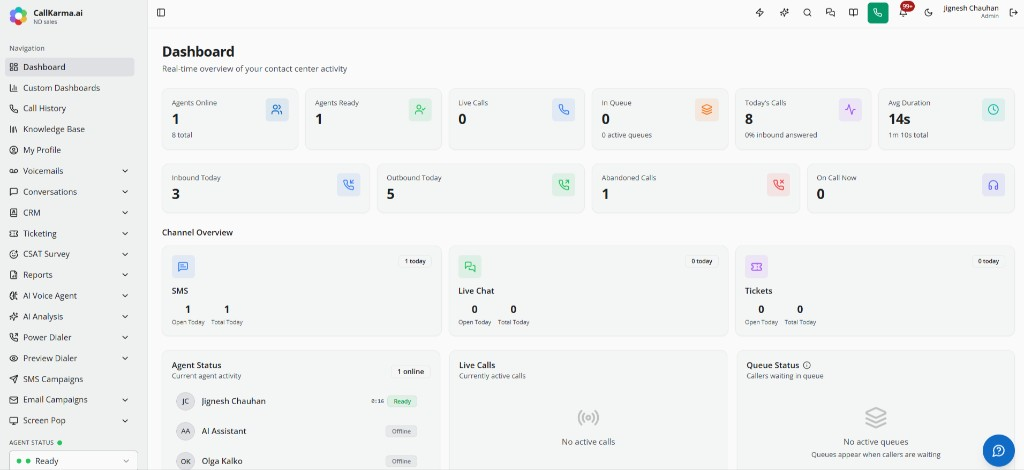
Getting started
A short welcome and how to add your first user.
2 videos
Call routing
Queues, IVR menus, extensions, numbers, hours, and recordings.
8 videos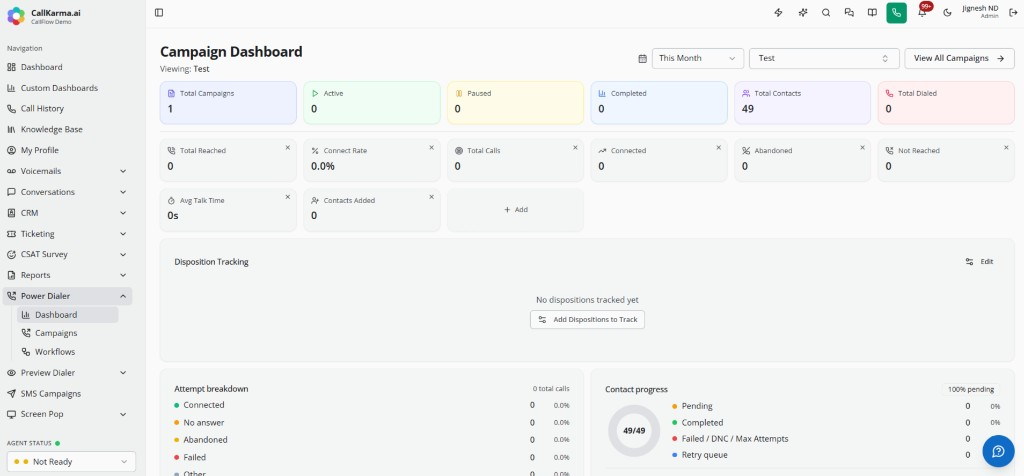
Campaigns
Power dialer and bulk SMS campaigns.
2 videos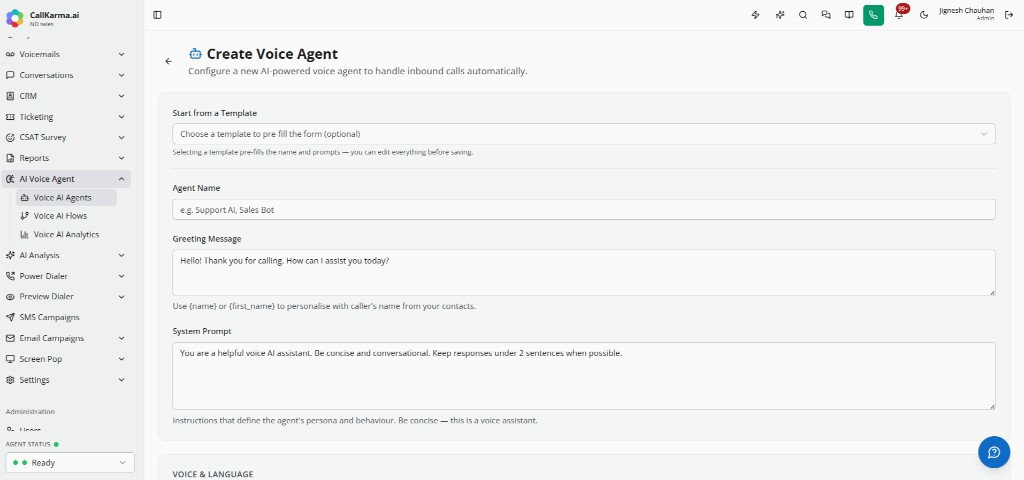
AI
AI voice agents and the AI chat bot.
2 videos
Agent setup
Dispositions and custom agent statuses.
2 videos
Account settings
Workspace defaults and notification rules.
2 videos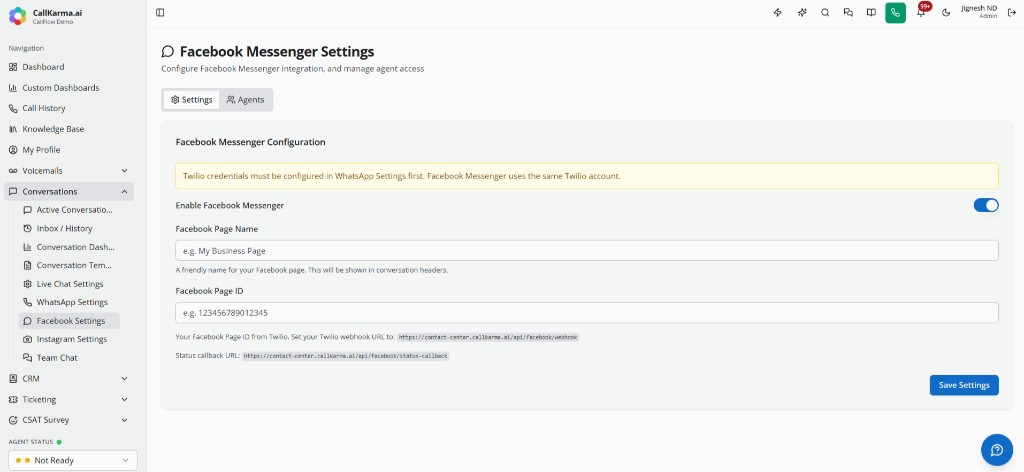
Messaging
WhatsApp, Facebook, Instagram, live chat, and canned replies.
3 videos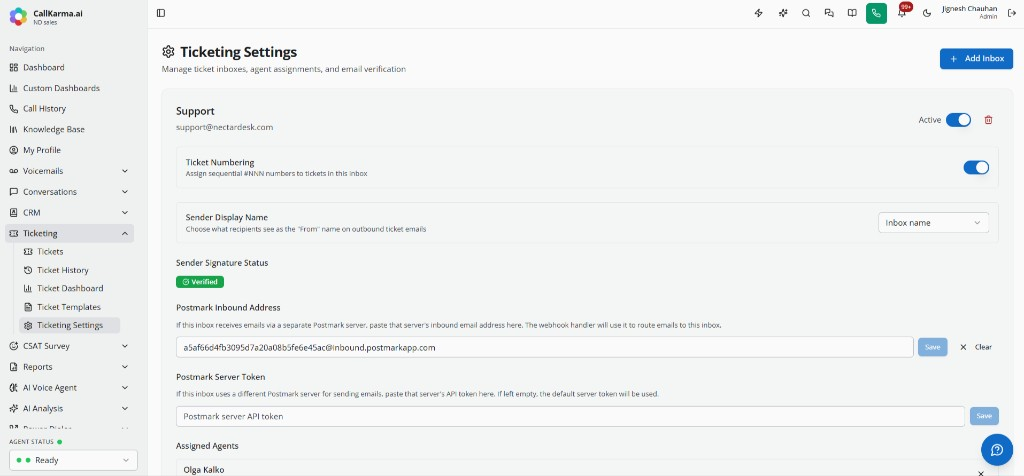
Ticketing
Ticket inboxes and email templates.
2 videos
CSAT
Voice CSAT surveys and send rules.
2 videos
For agents
Dialpad, team chat, and the AI Assistant.
1 video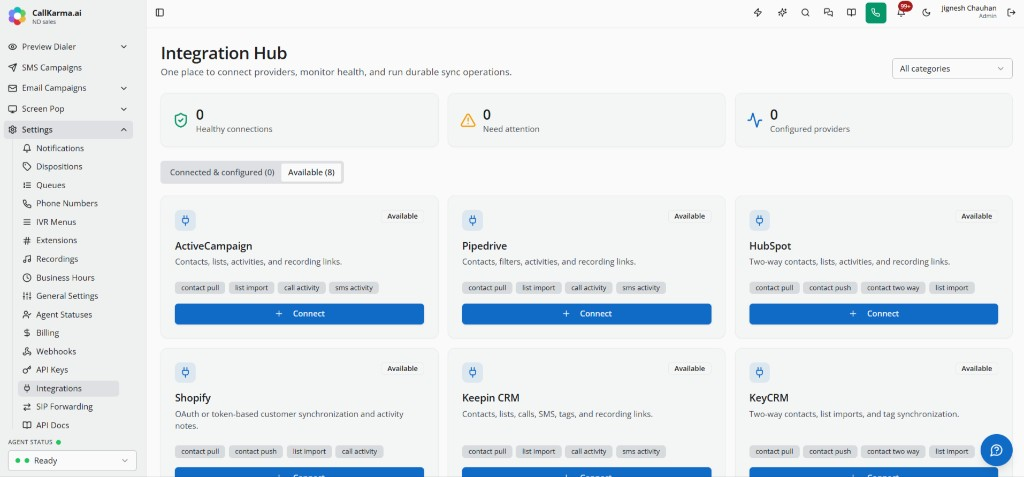
Developers
Integrations, webhooks, and API keys.
3 videos